Do not merge yetMigration has not run on staging.Price watchWas $189 in March.Before you order3 of 4 completeCut travel 12%Keep the offsite, drop the second trip.Book the venueDeposit due by the 10th.Reply to DanaRedlines by Thursday.Warmer skin tonesScene 2, before the client review.Logo, round 4Orange two shades darker.Ask before renamingThe import script matches on filenames.Riverside jobHomeUnsortedTripQ4 planChangeOwnerOffsiteClient visitsConferenceTotalItemQuoteDepositDueVenueOct 10CateringOct 20TransportOct 24Ken says staging runs Thursday at seven. Merge after he confirms the backfill finished.3 of 4 complete2 of 4 completeQ4 travelRe: the contractMarcus Hale · to you · 7:48 AMDana Wells · to you · 8:12 AMGlass (Light)DefaultGroup by ProjectGroup by AppBlack BoardCork BoardSearch notes{n} reviews, all five stars, all from people with a license key.{avg} from {n} reviews.★ {avg} · {n} verified reviews →
TackNote for Mac
Notes tacked to their context.
A sticky note that knows what it belongs to. It shows up with that window, tab, document or folder, and stays out of the way the rest of the time.
Pay once. No ads. No account.Free for 7 days, then $24.99 once.
One shortcut
Press it, and the note sticks to what is in front of you.
⌃⌥⌘N
Browser tabs
Switch tabs, and the notes switch with you.
Every page keeps its own note. Leave the tab and its note steps aside. Come back and it is waiting.
Stacks and lists
Stack another note, then tick it off.
Stack as many notes on one place as you need. Any note can become a checklist.
⌃⌥⌘⇧N
Google Sheets
One workbook, a note for every sheet.
Pin a note to one sheet tab and it shows only there. Switch to the next tab and its own note takes over.
Outlook
The follow-up lives on the email it is about.
A note scoped to one message follows it as you click through your inbox, even in the reading pane.
DaVinci Resolve
Full screen, and your notes still know where you are.
Notes pin to the project and the page. Colour notes on the Color page, edit notes on the Edit page.
Photoshop
Every open document keeps its own notes.
The client's feedback for the banner stays on the banner. Switch to the logo file and its notes take over.
Colours
Change a note's colour in one click.
Five colours right on the note, or any colour at all from the wheel.
Settings
Fourteen themes, one setting.
Open Settings from the menu bar and give every note a new look: Premium Sticky paper, Glass, Kraft, Ruled Notebook and more.
Folders
Open the folder, and its notes are already there.
Stacked notes carry named flap tabs, so you can see what is underneath and flip to it.
TackBoard
Every note, from every app, on one wall.
Open it from the menu bar. Search every word of every note, and jump straight back to the work it belongs to.
Organize
Group the board your way.
By app, by project or by sub-folder. Sort by date or priority, on cork, a blackboard or a whiteboard.
On the note
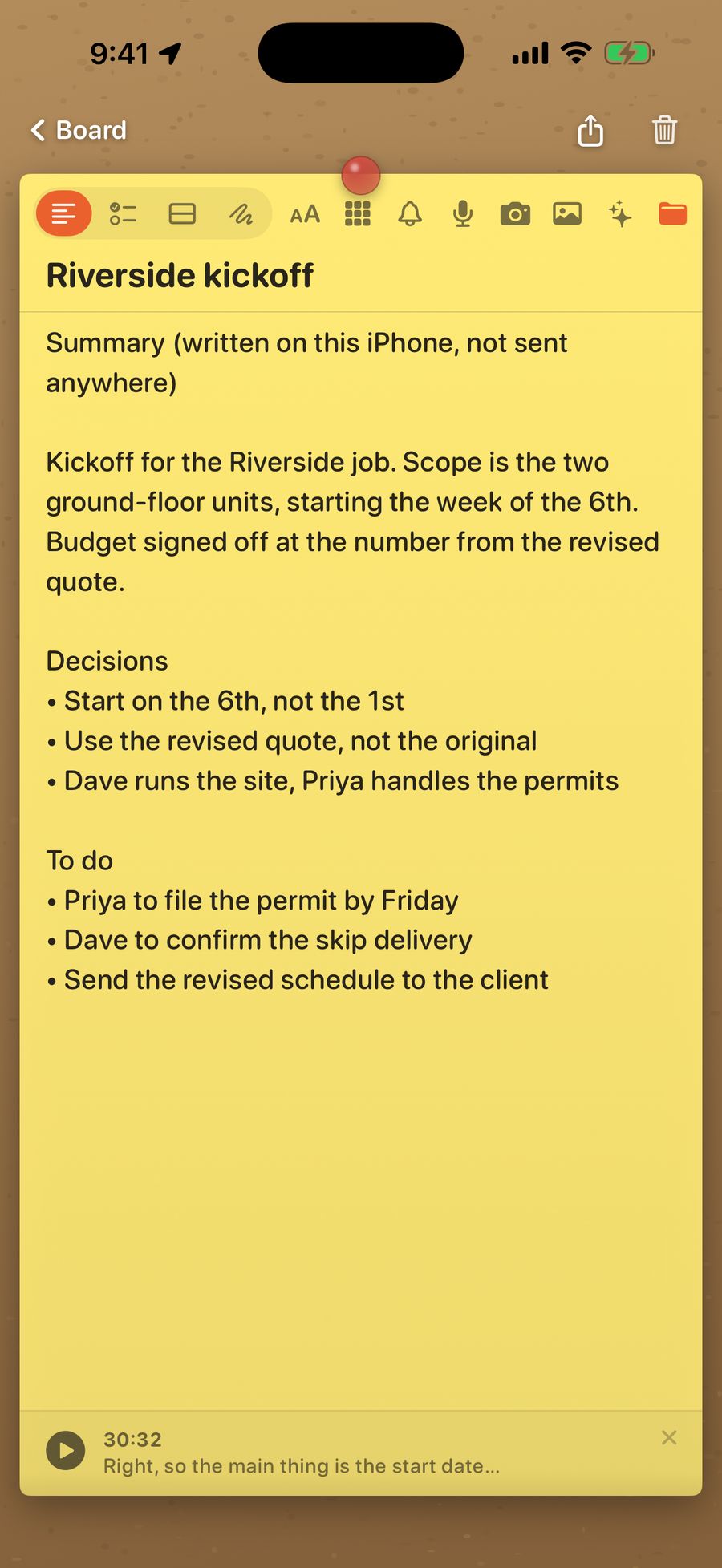
Reminders and voice notes, right on the note.
Set a reminder with the bell. Tap the mic and talk: it is transcribed, on your Mac where supported, and searchable straight away.
Yours
Buy it once. Keep it.
Encrypted on your Mac with a key in your own keychain. No account, no subscription.
Scroll to explore
SafariFileEditViewWindowHelp
Sat 9:41 AM
Backfill account refs #2841
Rowan & Fell 14" Skillet
Q4 budget
hitgub.test/keepers/app/pull/2841
Backfill account refs before the rename #2841
Open · 3 commits into main from chore/account-ref-backfill
ConversationCommits 3ChecksFiles changed 12
nozama.test/rowan-fell-14-cast-iron-skillet
Rowan & Fell 14" Cast Iron Skillet, Pre-Seasoned
$212.00
$14.10 delivery Tuesday
In Stock
Add to Cart
docs.goggle.test/spreadsheets/q4-budget
SummaryTravelOffsiteSoftware
Outlook · Inbox
Inbox 12
Drafts
Sent
Archive
Dana WellsRe: the contractRedlines attached. Can you look before Thursday?
Marcus HaleQ4 travelPulled the second trip out of the plan.
Hitgub[keepers/app] #2841k.oyelaran requested your review.
NozamaPrice drop on a watched itemRowan & Fell 14" Skillet is now $189.
Re: the contract
Dana Wells · to you · 8:12 AM
Harbour Lights · Timeline 3 · DaVinci Resolve
MediaCutEditFusionColorFairlightDeliver
Adobe Photoshop
summer-ridge-banner.psdkeepers-logo-v4.psd
Headline
Sun glow
Gradient
Background
General
GeneralShortcutsDataPermissionsAdvanced
Appearance
Paper Theme Default
Program Theme Modern
Default note color
Pin size Medium
Layout
Split view Side by side
TackBoard Organized
Privacy & Behavior
Launch TackNote at login
Keep private notes unlocked for 5 minutes
CLASSIC
Default
Premium Sticky
Boxy Utility
Comic/Pop-Art
GLASS
Glass (Light)
Glass (Dark)
Glass (Neon Light)
Glass (Neon Dark)
Prism
PAPER
Kraft
Ruled Notebook
Graph
Dot Grid
Linen
Import scripts
FAVOURITESDesktop Documents Downloads LOCATIONSMacintosh HD
import_orders.py
rename_rules.py
vendors.csv
README.md
archive
orders_2026-09.csv
orders_2026-08.csv
TackBoard
All Notes
To-dos
PROJECTS
Riverside job
Home
BY APP
Safari
Google Sheets
Outlook
DaVinci Resolve
Photoshop
Finder
Unsorted
HISTORY
Recently Closed
🔍Search notes
Group by AppSort: Date updatedCork Board+ New note
No groups
Group by App
Group by Project
Group by Sub-folder
Cork Board
Black Board
White Board
Card Board
Custom color…
Stick Note to Current Window ⌃⌥⌘N
New Floating Note ⌃⌥⌘F
Stack onto Current Window's Note ⌃⌥⌘⇧N
Capture Text from Screen ⌃⌥⌘O
TackBoard: All Notes…
Sync Now
Lock Private Notes Now
Check for Updates…
User Guide
Settings… ⌘,
Do not merge yethitgub.test
Migration has not run on staging. Ken is deploying Thursday morning; merging before that puts the column rename in front of the backfill.
🔔 Tomorrow, 9:00 AM
0:00Voice note, transcribing on this Mac
Price watchnozama.test
Was $189 in March. Do not buy at list. Check again on Prime Day and set a limit before looking.
Before you orderPrice watch
Before you ordernozama.test
✓Check the seasoning reviews
✓Measure the hob
Compare the 2-pack price
Set a price alert
2 of 4 complete
Cut travel 12%Travel
Keep the offsite, drop the second trip. Marcus has the revised numbers.
Book the venueOffsite
Deposit is due by the 10th. Dana has the shortlist of three.
Reply to DanaRe: the contract
Redlines by Thursday. Push back on clause 7, the rest is fine.
Thank MarcusQ4 travel
He found the 12%. Mention it in Friday's update.
Tighten the openEdit page
Trim eight frames off shot 3. Music cue lands late.
Warmer skin tonesColor page
Scene 2, before the client review. Match it to the harbour shot.
Client feedbackbanner.psd
Logo 20% bigger, keep the safe margin. Warm the sky a touch. Final by Friday.
Logo, round 4logo-v4.psd
They liked the rounded corner. Try the orange two shades darker.
Ask before renamingArchive monthly
Ask before renamingImport scripts
Their import script matches on the filename pattern, not the contents. Renaming anything in here breaks it silently.
Archive monthlyImport scripts
On the 1st, move last month's CSVs into archive. The script reads every file in this folder.
TackNote
$24.99 once · 7-day free trial · No account
Download the free trial
“…what really got me was when I learned you could put it to a specific web page, leave that webpage in the same tab of your browser and return to that same page later, and SHAABAM! it was still there.”
Seven reviews, all five stars, all from people with a license key.
★★★★★
“There are note apps (even the built-in one on Apple devices), but none compare to TackNote. This seriously makes workflow, reminders, and accessibility so simple and streamlined.”
Gabe G ✓ Verified
★★★★★
“I absolutely love this Tack Note app, it basically slaps me in the face with my notes (MUCH NEEDED) and makes it where I can't ignore them.”
Sydni Brae Gwinn ✓ Verified
★★★★★
“Switched from Stickies and I'm not going back. Projects keep my notes organized, and pinning stickies to specific apps and browser tabs means the right note surfaces exactly when I need it.”
Aaron P ✓ Verified
★★★★★
“The note pops up right where I left it, tied to the exact window or app I was working in. I don't have to remember anything. It remembers FOR me...”
A TackNote user ✓ Verified
★★★★★
“It's not everyday that we bump into a revolutionary idea made into an app. It's the case with TackNote.”
Ricardo Ribeiro ✓ Verified
★★★★★
“Gives me reminders specific to the application that I need to use. Very useful for uploading programme files at correct time.”
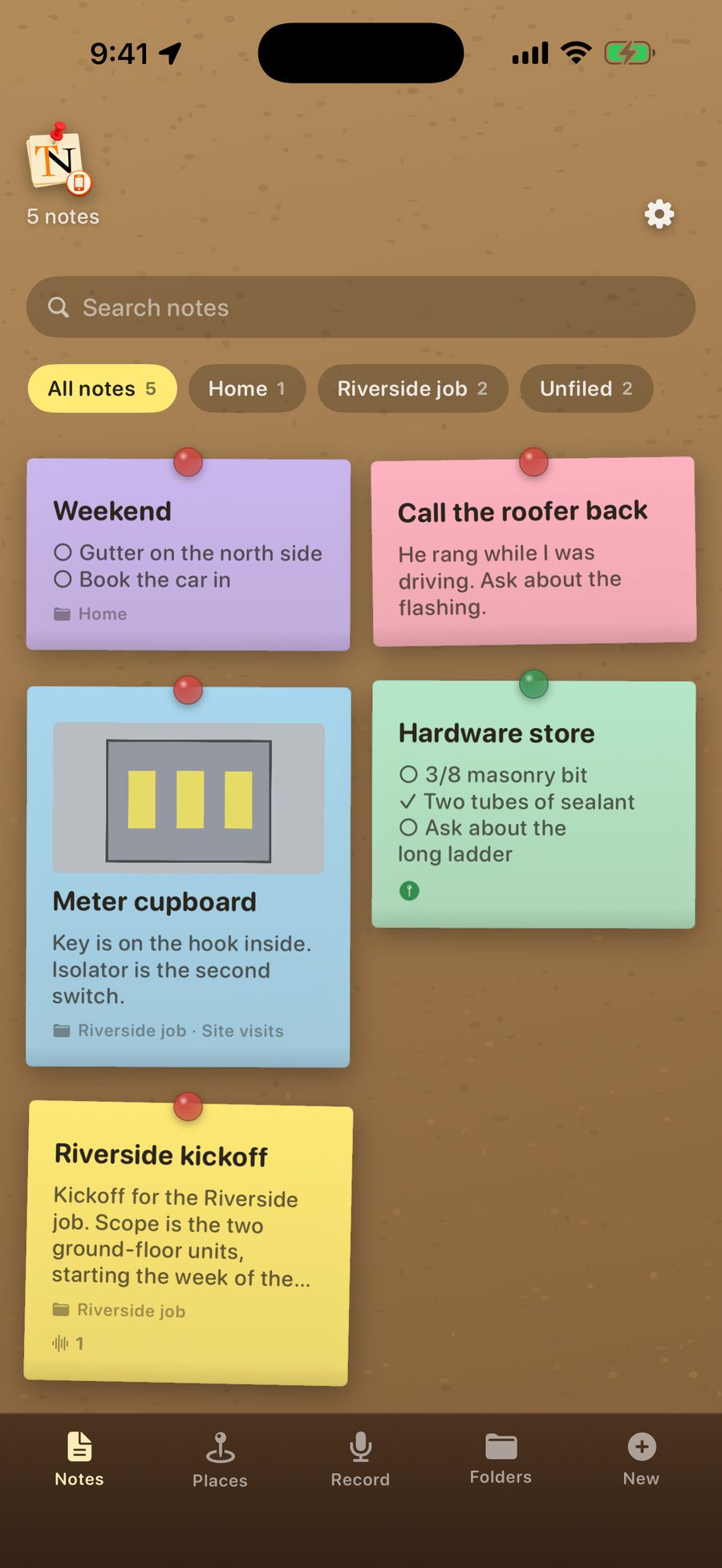
Voice notes, photos and places, right on the note. Pair it with TackNote for Mac and notes you make on the phone arrive on your Mac. Coming this month (October 2026).
Notes tacked to windows, tabs, documents, sheets, emails and folders. TackBoard with search across every note. Voice notes transcribed on your Mac where supported. Imports Stickies, Apple Notes and Evernote.
Pay once. No ads. No account.
Launch price, limited time
$24.99
One-time purchase. No subscription, ever. $29.99 regular
For one person, on up to three computers, Mac or Windows. Your Macs stay in sync through your iCloud.
7-day free trial, no card required
Full, Deep, Basic and Window-level app integration
Notes, To-do, Split and Sketch: four content tabs
TackBoard: a full corkboard organizer with Projects
14 themes in Classic, Paper and Glass families
Stick and Peel stacked notes with a fanned view
Re-stick: carry a note to any new context
Voice memos with on-device transcription where supported
Reminders: time-based and context-triggered nudges
Apple silicon and Intel, macOS 14 or later, 1 person on up to 3 computers
macOS only. Apple silicon and Intel. Developer ID signed and notarized. Direct download, no App Store.
More Macs?
Buy as many as you need.
Each license covers 3 computers. Set the quantity at checkout and you get one key per license. Great for extra computers, a small team or a whole department.
Field documentation for investigators and inspectors. Capture it on scene, file it at your desk, and hand over a record that proves itself. iPhone and Mac, in development.
Every note is sealed with AES-256 encryption the moment you write it. The key lives in your Mac's Keychain, never on a server. Switch on iCloud sync and your notes are encrypted on your Mac before they travel through your own iCloud. Apple holds the keys to that sync unless you turn on Apple's Advanced Data Protection, which makes it end-to-end encrypted and readable only on your devices. No accounts, no trackers, no servers we control. Not even we can read your notes.